HAVYN Systems
Smarter Living. Safer Home. Seamlessly Installed
Experience peace of mind with intelligent home automation and professional-grade security – tailored, installed, and powered by HAVYN.
What we do
Your Perfect Haven Starts Here
HAVYN SECURE
24/7 protection with
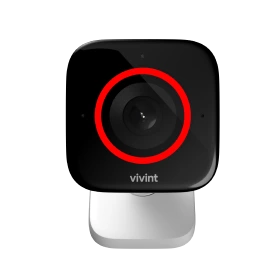
cameras, sensors, and professional monitoring to keep your haven safe.
HAVYN COMPLETE
The ultimate system -
combining HAVYN Smart and HAVYN Secure into one fully connected ecosystem. Designed
perfectly for how you live.
HAVYN SMART
Experience complete
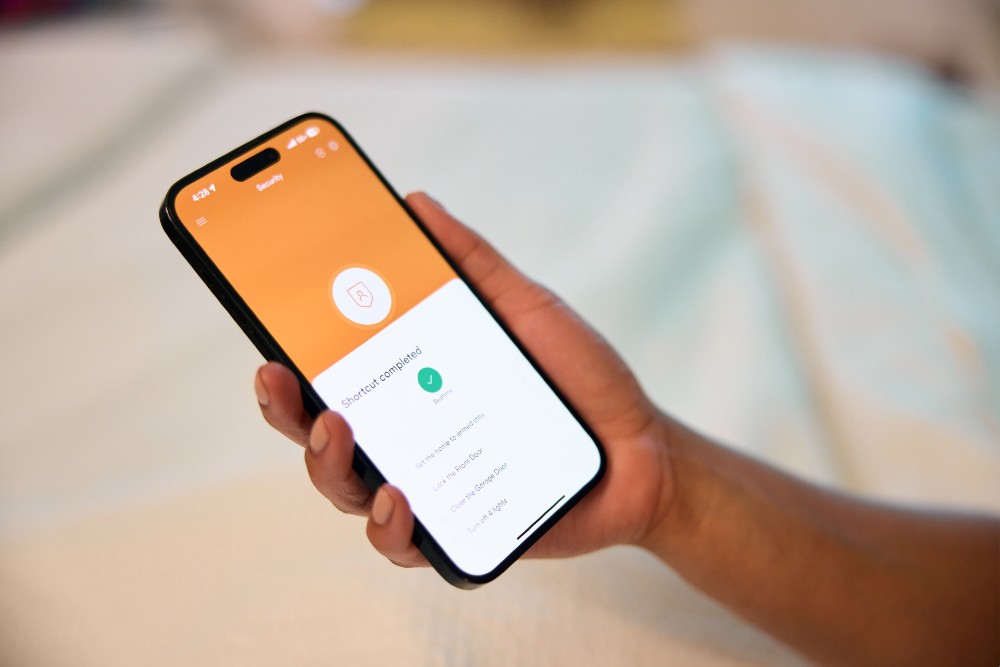
control of your space - lighting, locks, climate, garage, and more - all connected and working
seamlessly.
Live Smarter.
Feel Safer.
HAVYN transforms your space into a home that looks out for you — lights, locks,
and security all working in perfect sync.
Experience peace of mind, comfort, and effortless control from anywhere.
How It Works
Simple Setup. Powerful Results
- Consultation – We help you design your perfect system.
- Professional Install – Our certified team sets everything up.
- Stay Connected – Monitor, automate, and relax with 24/7 support.
Choose Your HAVYN
Create Your Ideal Sanctuary Today
HAVYN SMART
Fully Integrated Smart Home Automation.
HAVYN SECURE
Advanced Home Security And Monitoring.
HAVYN COMPLETE
The Best Of Both Worlds
Automation + Protection.
Our Testimonial
Trusted by Homeowners Like You
Need help getting started?
Skip the form and connect instantly with a Halo Home security expert,ready now to answer your questions and help you find the right protection.


Our Products
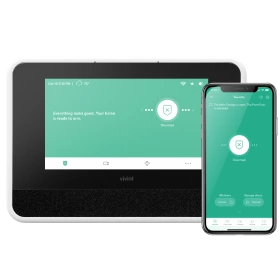
Combine products for a safer home
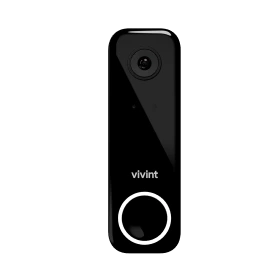
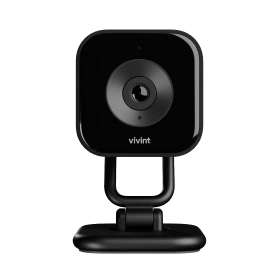
Protect your perimeter
Stop package theft
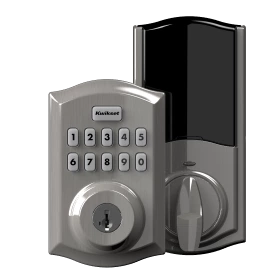
Lock up automatically
Convenient home control
Check in on your home
Monitor doors and windows
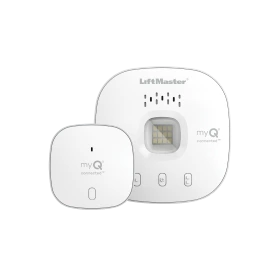
Control the garage
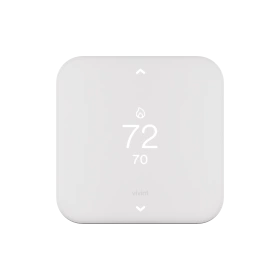
Smart temperature control
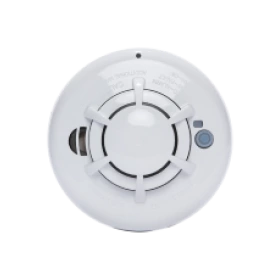
Protect against disasters
Frequently Asked Questions
Your Questions, Answered – Everything You Need to Know
Install the cameras, connect them to your Wi-Fi, and pair them with the app by following the setup instructions.
Use the camera’s app or software to access live feeds and recordings from anywhere.
Check the power and Wi-Fi connection, restart the camera or router, and follow troubleshooting steps if needed.
Adjust sensitivity and detection zones through the camera’s app or software settings.
Go to account settings in the app or website, select “Change Password,” and follow the prompts.
Cameras with backup batteries will keep running briefly; otherwise, they’ll stop until power is restored.
Your Perfect Haven Starts Here.
- 120-Day Service Guarantee
- Local Installers
- 24/7 Monitoring & Support
Contact us
Your Questions, Answered – Everything You Need to Know